


MATRIX 1-2
Following is a description of the SELECTED CHANNEL section of the MATRIX 1-2 channels.
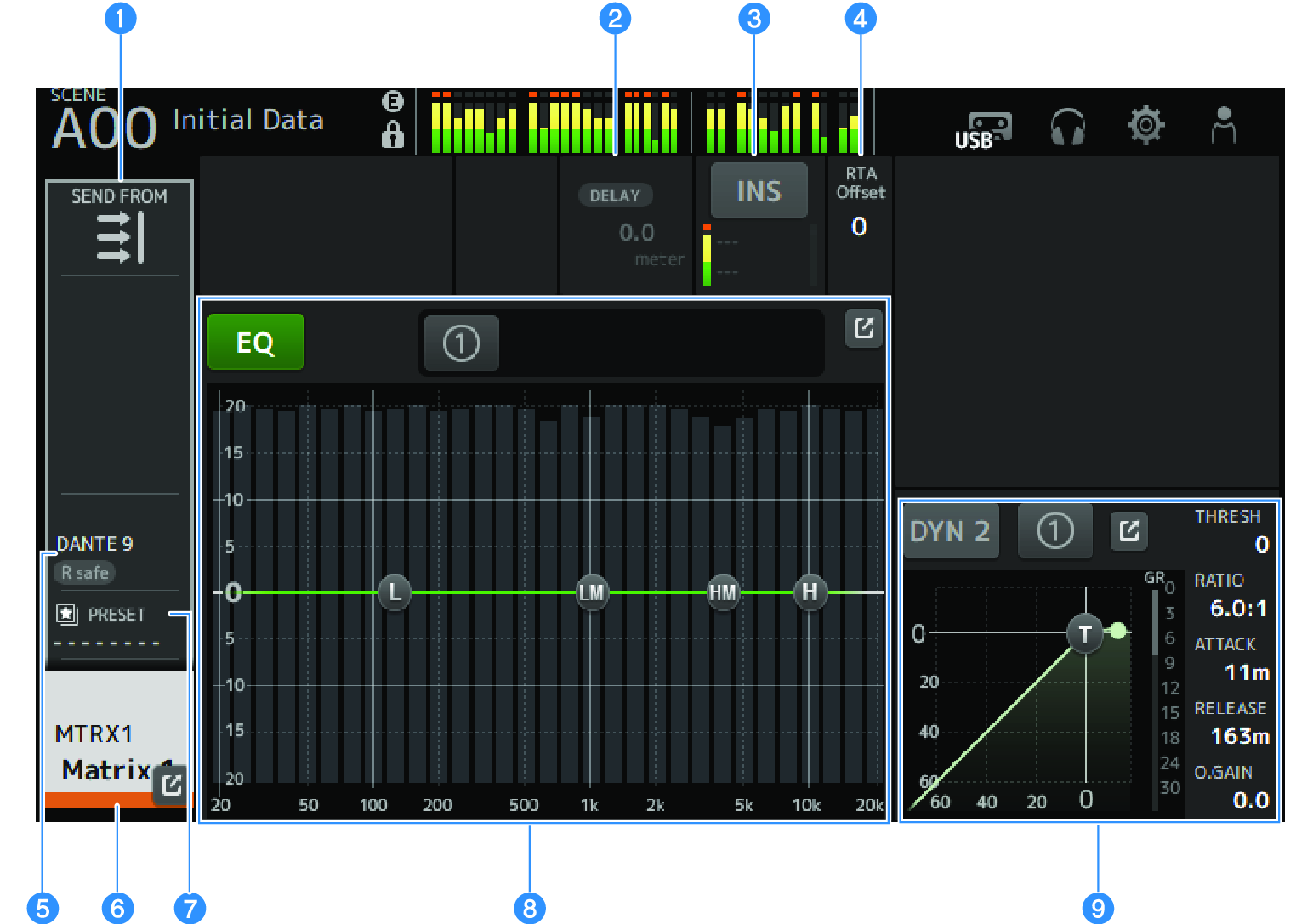
c | Displays the INSERT screen. The INS button turns INSERT ON/OFF. If you touch it while focused, the INSERT screen will be displayed. () |
d | Sets the RTA Offset. Adjusts the RTA sensitivity. Touch to highlight and then adjust with the [TOUCH AND TURN] knob. |
h | Sets the EQ of channels. The 1-knob button switches between the 1-knob mode and the manual mode. Settings like selecting the type of 1-knob EQ mode and switching the filter type are made on the EQ screen. |
 DM3 Series