


USER SETUP screen
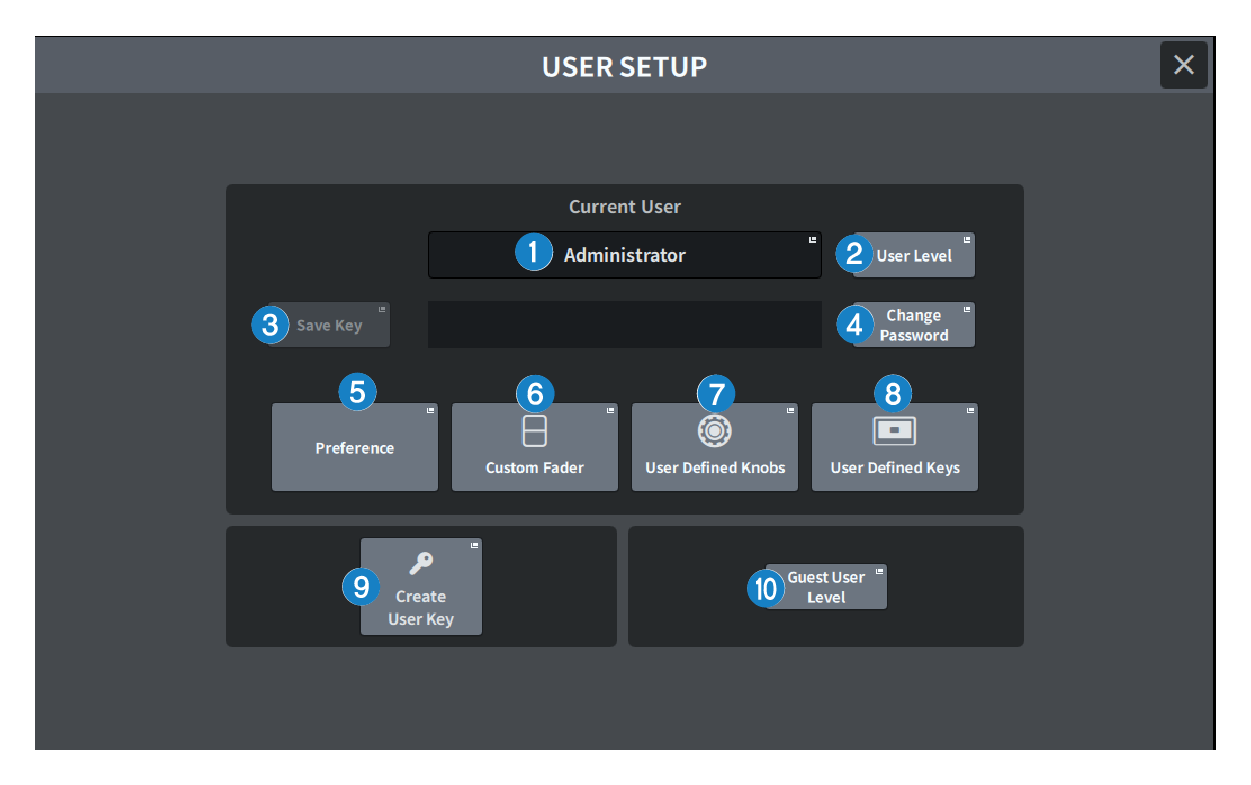
The screen contains the following items.
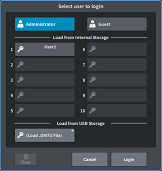
a | Current User button Press this to display the screen used to switch the logged in user.
|
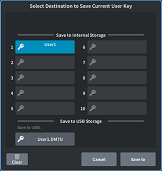
b | User Level button Press this to display the CREATE USER KEY screen used to set the logged-in user. |
c | Save Key button Press this display the screen to overwrite and save the user authentication key.
The power user (Administrator) can use an empty slot for a new save. |
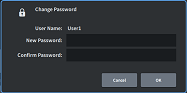
d | Change Password button Press to display the screen to change the password.
|
e | Preference button Press this button to display the “PREFERENCE screen” where various preferences can be set. |
f | User Defined Keys button Press this to display the “USER DEFINED KEYS Screen”, where you can make USER DEFINED key-related settings. |
g | User Defined Knobs button Press this to display the “USER DEFINED KNOBS screen”, where you can set the parameters related to the USER DEFINED knobs, and assign functions to the Channel Strip encoders. |
h | Custom Fader button Press to display the “CUSTOM FADER screen”, where you can make settings for custom faders, which can freely combine channels. |
i | Create User Key button Press this to display the CREATE USER KEY screen used to create new users. |
j | Guest User Level button (Power user (Administrator) only) Press this to display the “GUEST USER LEVEL screen”, where you can set the guest user login. |
 DM7 Series